

 Your cinema.
Native playback.
$5.99 once. No subscription. Your files. The native player for your movie library on iPhone, iPad and Apple TV — one-time purchase, no subscription, no cloud.
Play
A native engine, no shortcuts
An own Matroska demuxer in Swift on top of VideoToolbox and AVSampleBuffer. Zero VLCKit: hardware decoding, instant start and smooth scrubbing in 4K HDR.
Organize
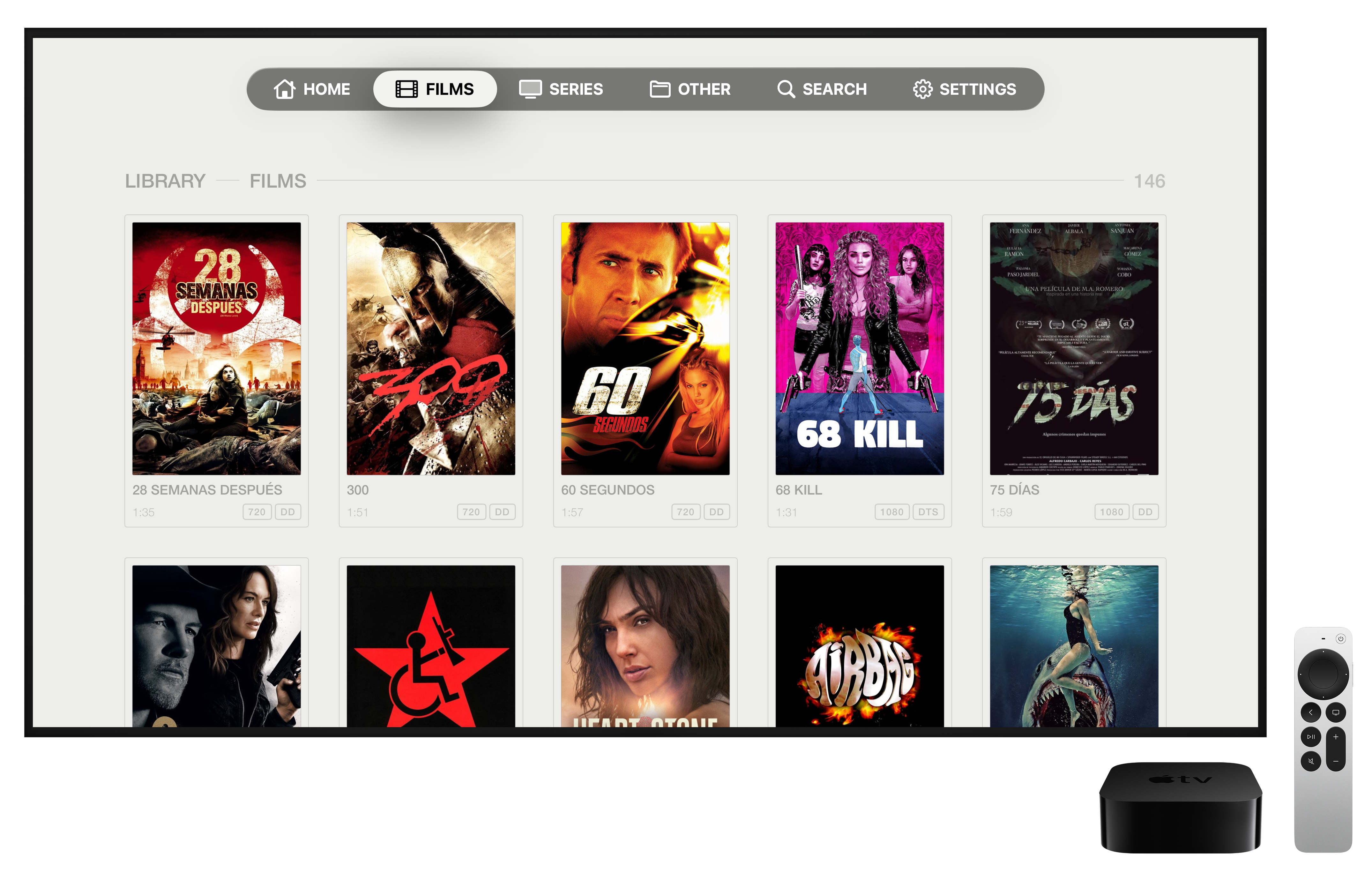
Your library, in order
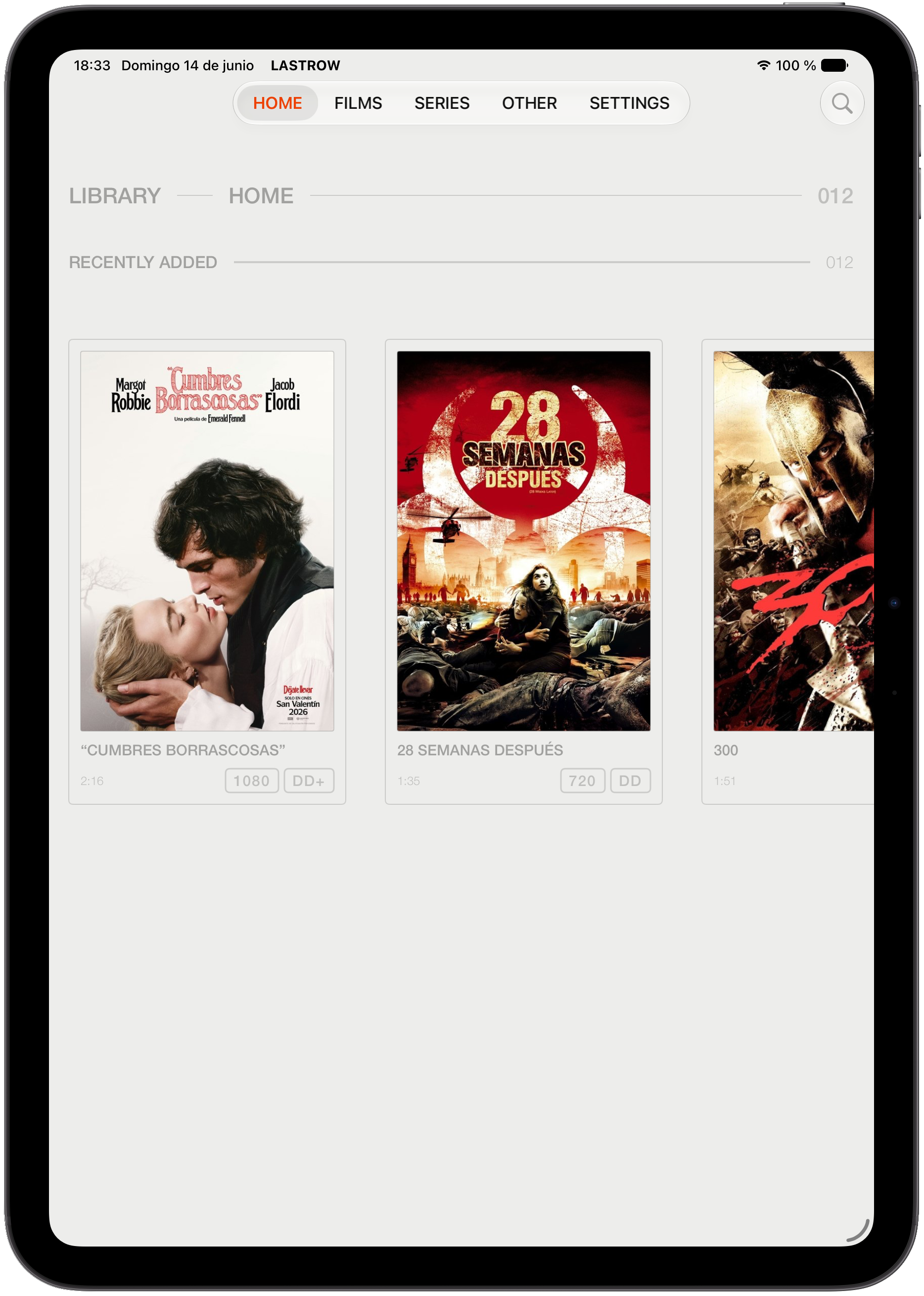
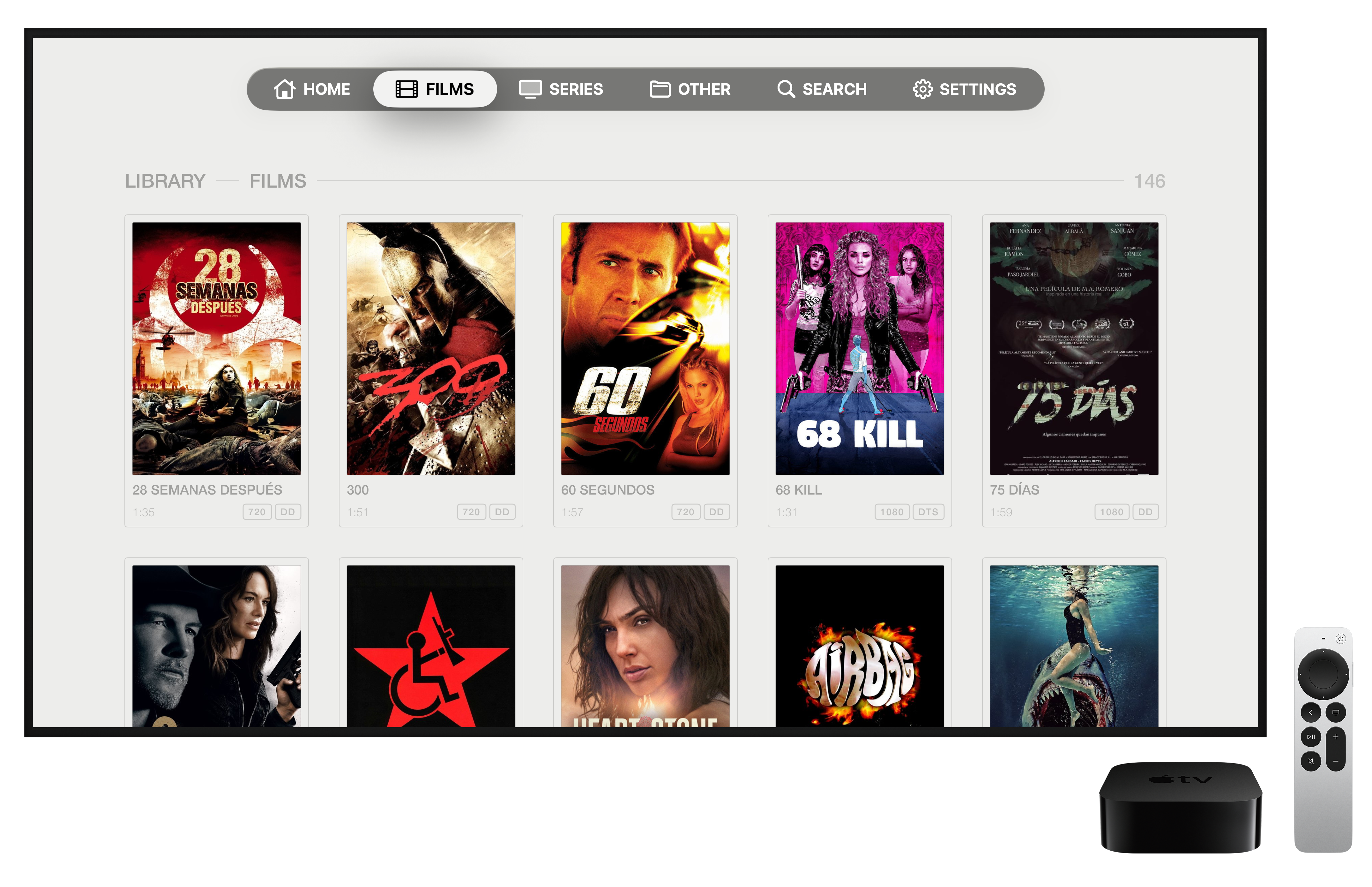
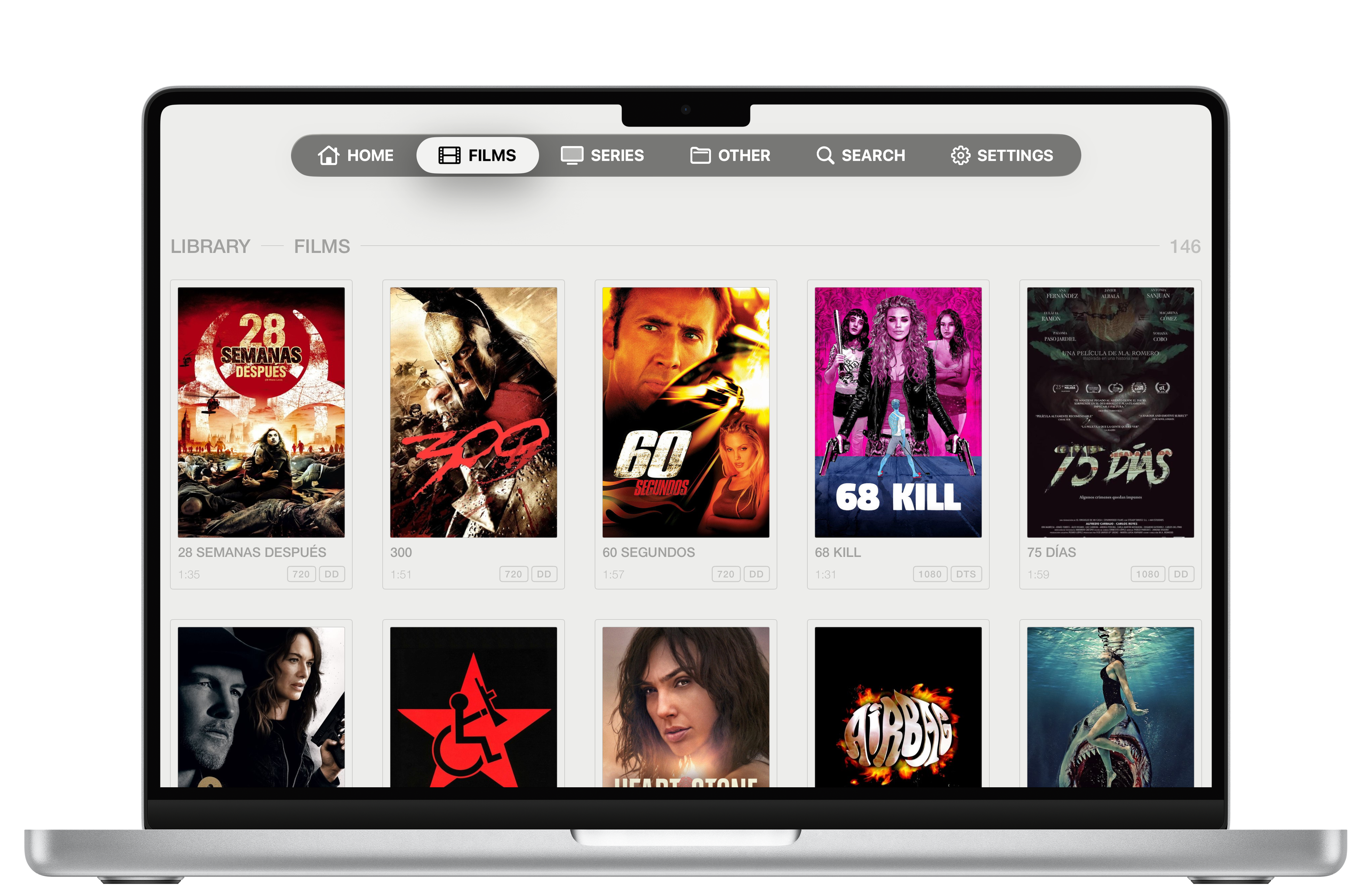
Artwork, seasons and episodes, neatly laid out. Everything one click away on the Apple TV remote.
Enjoy
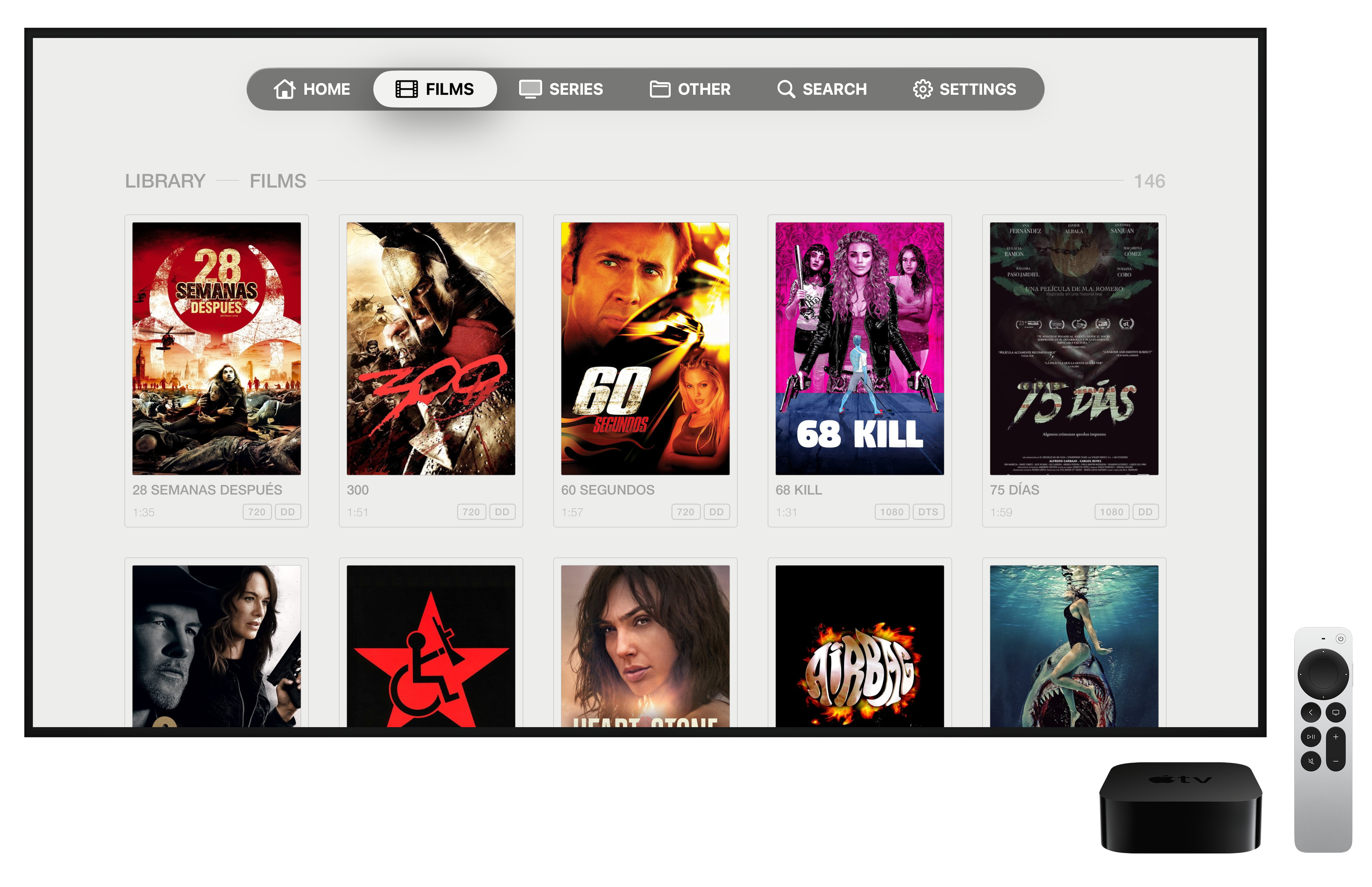
Artwork and subtitles, instantly
Artwork, synopses and data from TMDB; subtitles from OpenSubtitles. Your library complete and good-looking, without lifting a finger.
No compromises
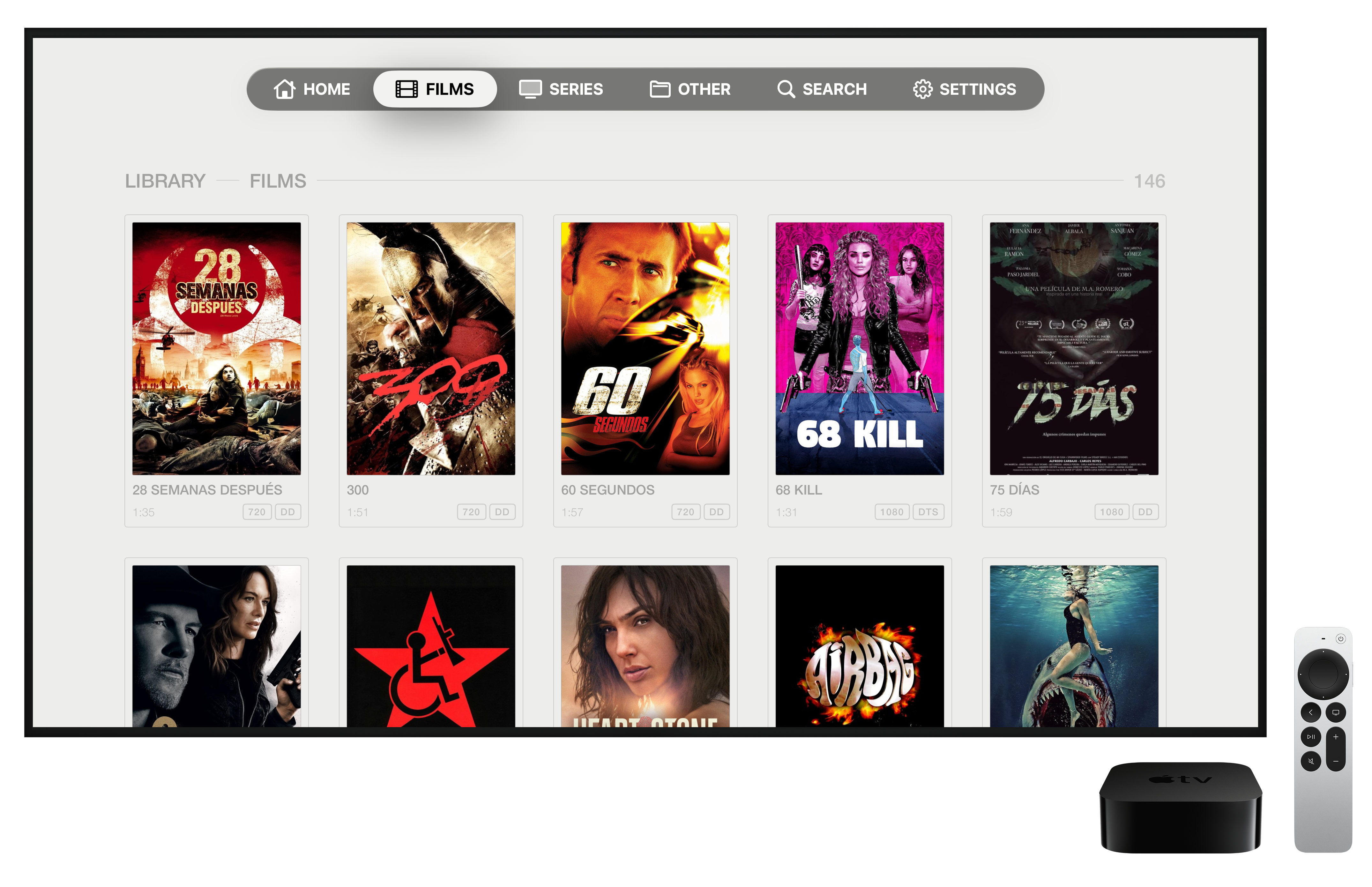
Apple-native, top to bottom
No VLCKit, no opaque components. The only third-party decoder is a minimal FFmpeg (the DTS Core decoder only, LGPL) to output multichannel PCM. Everything else is Swift, VideoToolbox and AVFoundation.
Under the hood
Engineering, not patches
Every part is built to play your files at the highest fidelity.
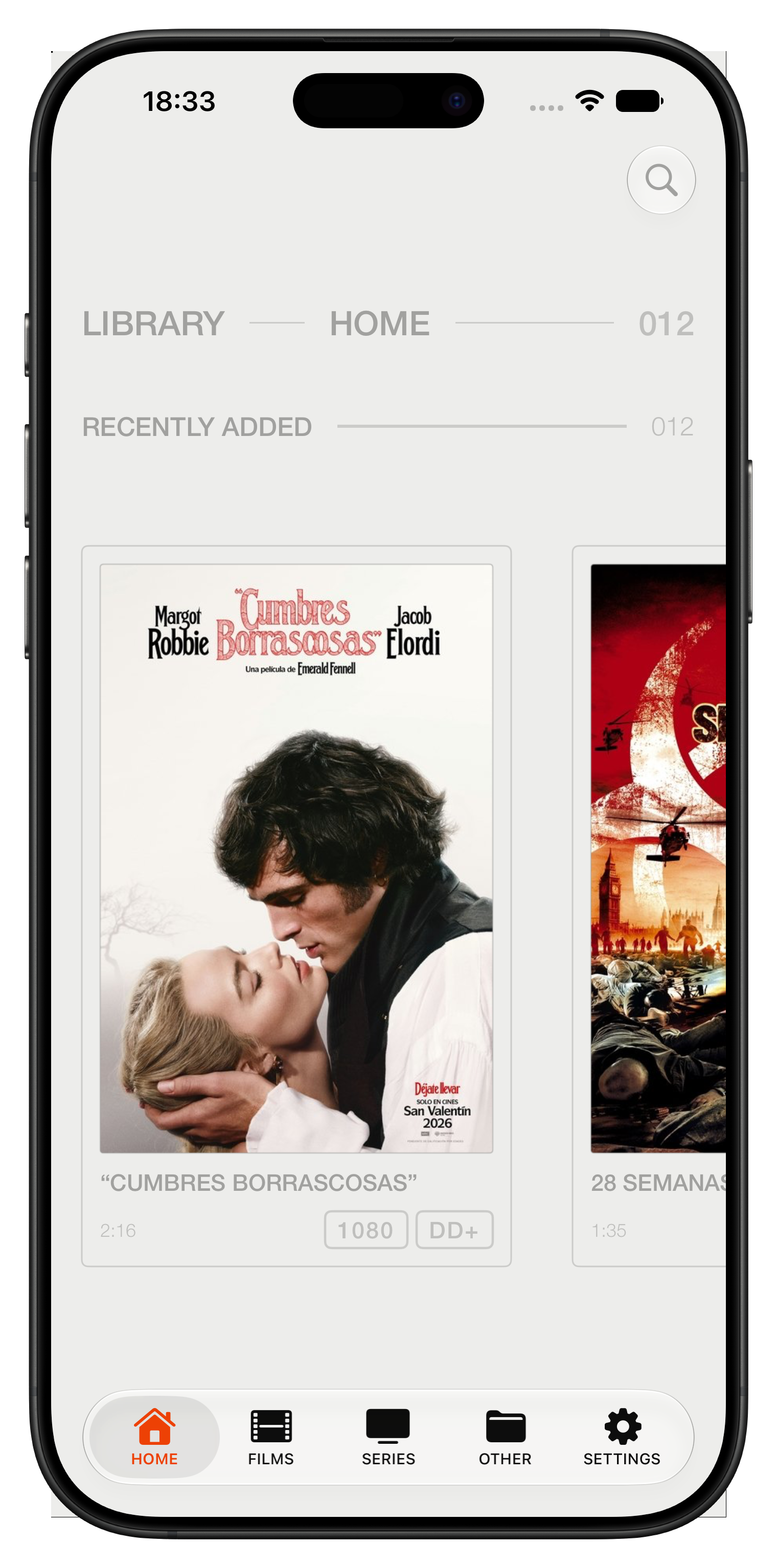
On every screen you own
Simple pricing
Try it. And if you love it, it's yours.
Start
Fully unlocked. No card.
Forever
One-time payment. No subscription.
No ads or telemetry · Updates included · Cancel free during the trial
Frequently asked questions
What do I need to use LASTROW?
An iPhone running iOS 26, an iPad running iPadOS 26, or an Apple TV 4K running tvOS 26 (or later, in all three cases). It's the same app on the App Store: one download covers all three platforms, with the interface tailored to each screen and exactly the same native playback engine.
Which formats does it play?
Matroska (.mkv) containers with HEVC/H.264 10-bit video, HDR10 and Dolby Vision, multitrack audio (including DTS Core via a minimal FFmpeg) and embedded subtitles.
Does it use VLCKit inside?
No. The engine is native: an own Matroska demuxer in Swift, VideoToolbox for video and AVFoundation for the pipeline. The only third-party component is a stripped-down FFmpeg (the DTS decoder only, LGPL).
Where does it read my files from?
From your local network: SMB shares and your library servers. Your content is yours and stays at home.
How much does it cost?
Try it free for 30 days inside the app, fully unlocked. After that, a single €5.99 payment unlocks it forever: no subscription, no ads and no telemetry.
How do I fill in the SMB access fields in Settings?
- HOST — your NAS/PC's IP or hostname. No ":" and no "/": 192.168.1.50
- SHARE — the exact name of the shared folder as it appears on your server, no slashes: MoviesAndShows
- BASE PATH — the folder inside the share where your library lives; use "/" only to separate nested subfolders: Media/Library — leave it empty if your library sits at the share's root
- MOVIES FOLDER — the exact subfolder name inside the base path: Movies
- TV SHOWS FOLDER — same, for your TV shows: TV Shows
- OTHERS FOLDER — same, for everything else: Other
- USERNAME and PASSWORD — the credentials for your SMB server (not your Apple ID or iCloud login)
- Save and tap Scan Library.
How do I set up Plex in Settings?
- SERVER — the full URL of your Plex Media Server, including http:// and the port: http://192.168.1.50:32400 (your server's local IP, not plex.tv).
- TOKEN (X-Plex-Token) — needed in almost every case, even on your local network, if your server is signed in to a Plex account (the usual case).
- How to get the token, step by step: 1) Open Plex Web on your server (http://YOUR-IP:32400/web) or app.plex.tv, and sign in with your Plex account. 2) Open any movie or TV show in your library. 3) Tap the three dots (⋯) on the title and choose "Get Info". 4) In the top-right corner of that dialog, tap "View XML". 5) A URL like http://YOUR-IP:32400/library/metadata/123?X-Plex-Token=XXXXXXXXXXXX opens — copy just the value after X-Plex-Token= and paste it into the TOKEN field.
- No-token alternative: on your server, go to Settings → Network → "List of IP addresses and networks that are allowed without auth", add your LAN (e.g. 192.168.1.0/255.255.255.0) and leave TOKEN empty.
- LASTROW recognizes both movie and TV show libraries in Plex: shows are automatically grouped by season and episode, just like with SMB.
- Tap SAVE AND SCAN.

